Workspace Webhooks
The Webhook section of the Workspace allows you to connect external systems to NeoAgent, so you can receive leads, conversations, and chat messages in real time.
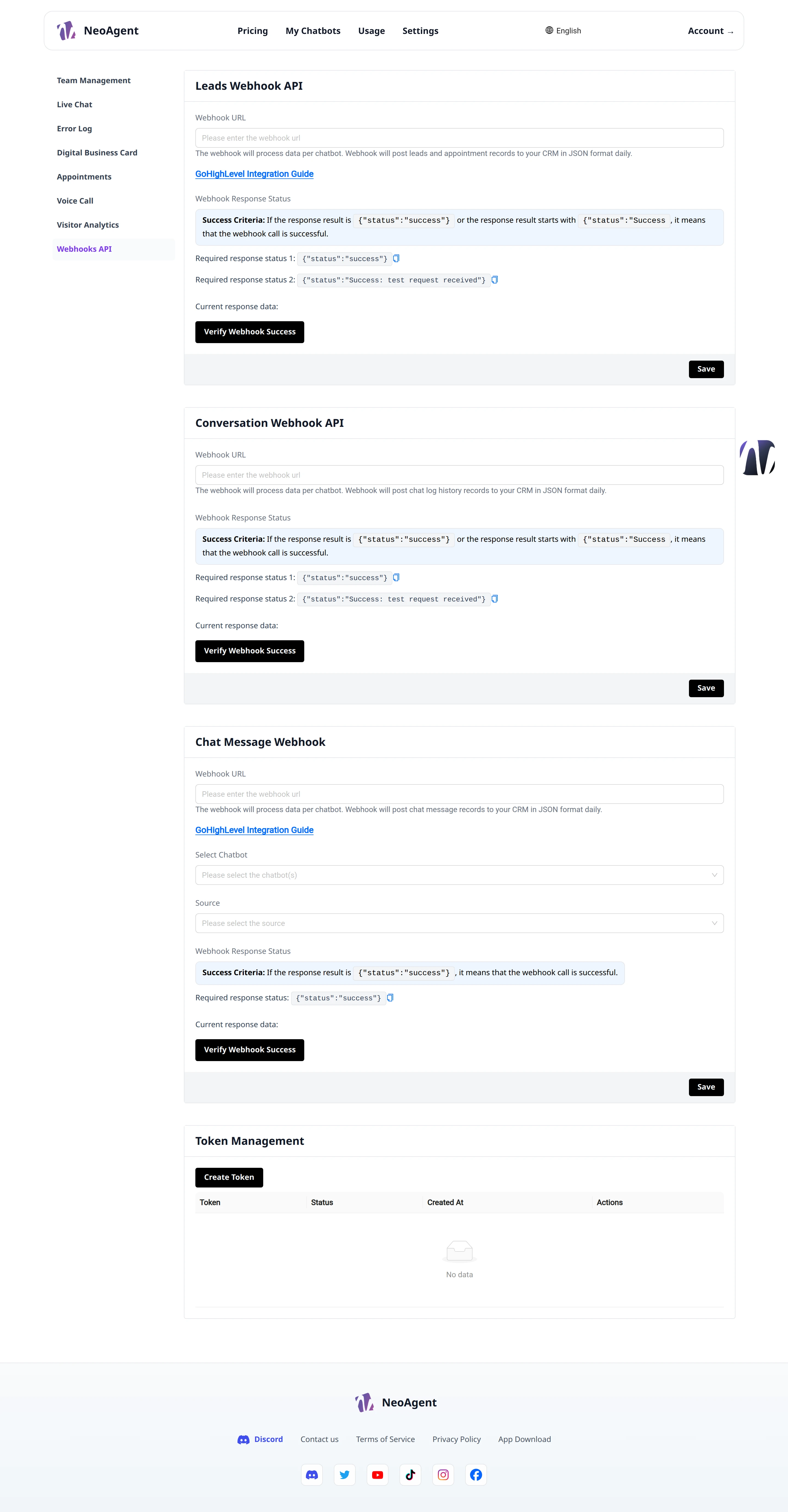
URL Configuration
For each type of webhook, you can enter the destination URL in the Webhook URL field.
- Paste your endpoint URL into the Webhook URL field
- Click Save to save the configuration
- Use Verify Webhook Success to check if the webhook is responding correctly
Always verify the endpoint with Verify Webhook Success after saving: an unreachable URL will prevent the delivery of events.
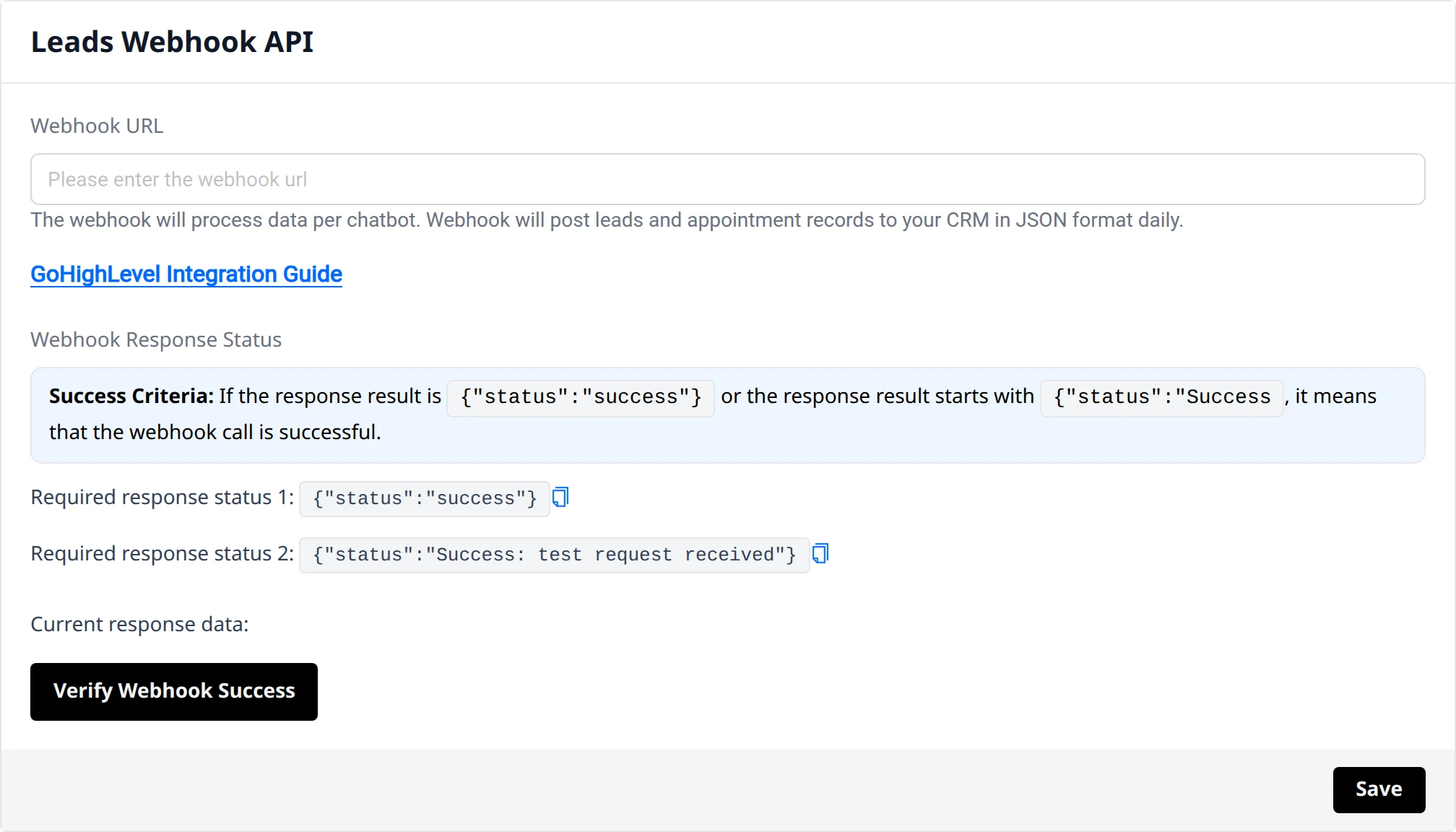
Leads Webhook API
The Leads Webhook API section sends new leads collected by the chatbot to your endpoint every time a potential contact is captured.
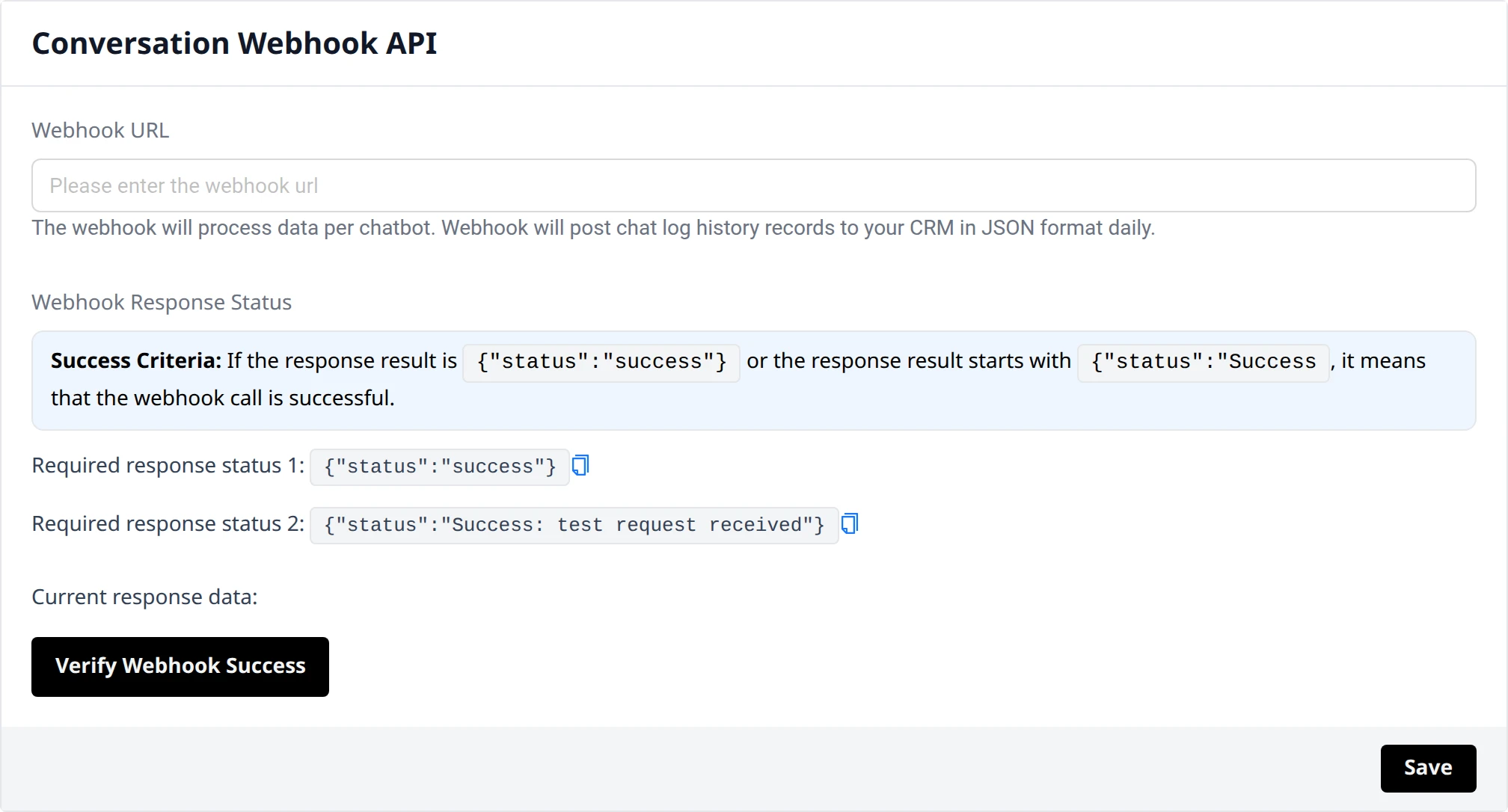
Conversation Webhook API
The Conversation Webhook API section notifies your endpoint about updates related to the conversations managed by the chatbot.
Chat Message Webhook
The Chat Message Webhook section sends the messages exchanged in the chat to your endpoint, allowing you to process or archive them in your systems.
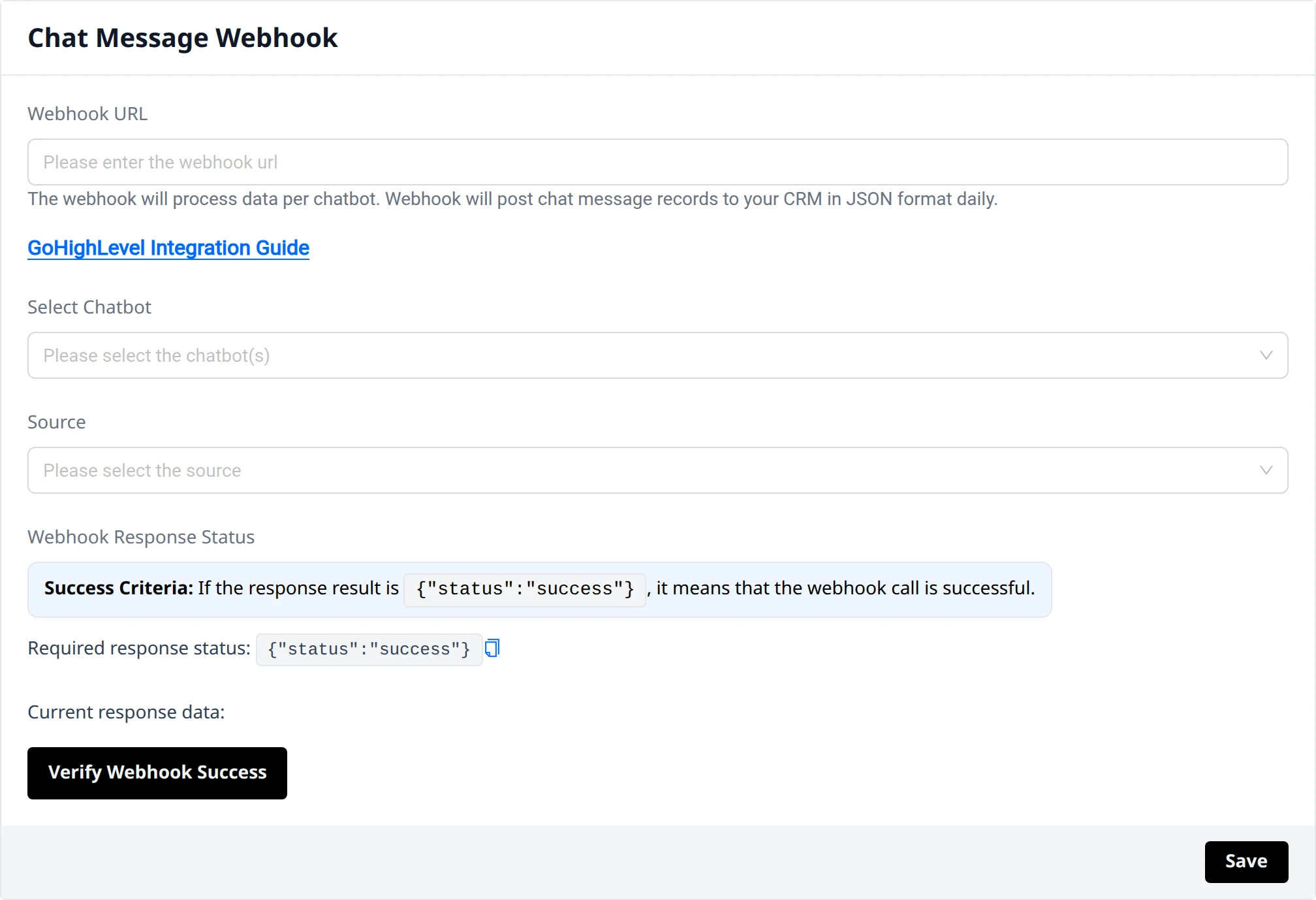
Filters for chatbot and source
In the webhook configuration, you can select which elements to apply the integration to:
- Chatbot IDs — limits sending to selected chatbots
- Source — filters events based on the conversation source
Token Management
The Token Management section manages the tokens used to authenticate calls to the webhooks.
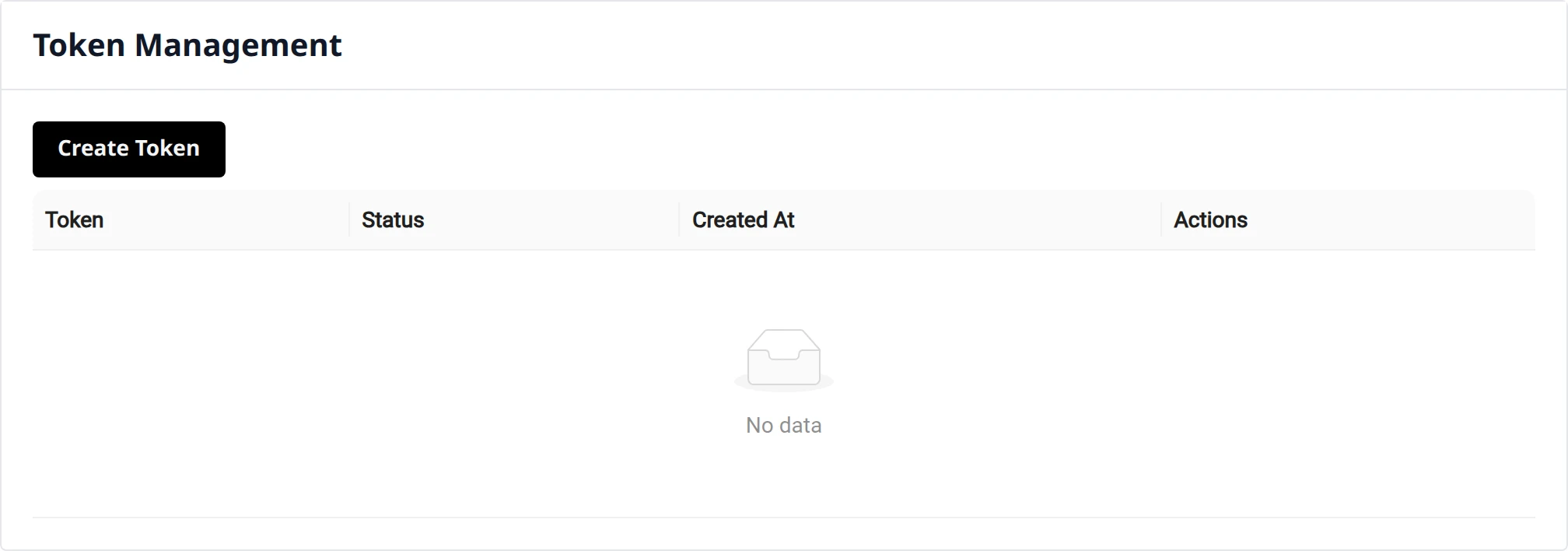
To create a new token, click Create Token and keep it secure: it will be used to sign or authenticate requests to your endpoints.
Treat tokens as credentials: do not share them in clear text and revoke them when they are no longer needed.