Visitor Analytics
The Visitor Analytics section of the Workspace allows you to monitor visitor behavior on your site and retrieve the tracking scripts to integrate into your pages.
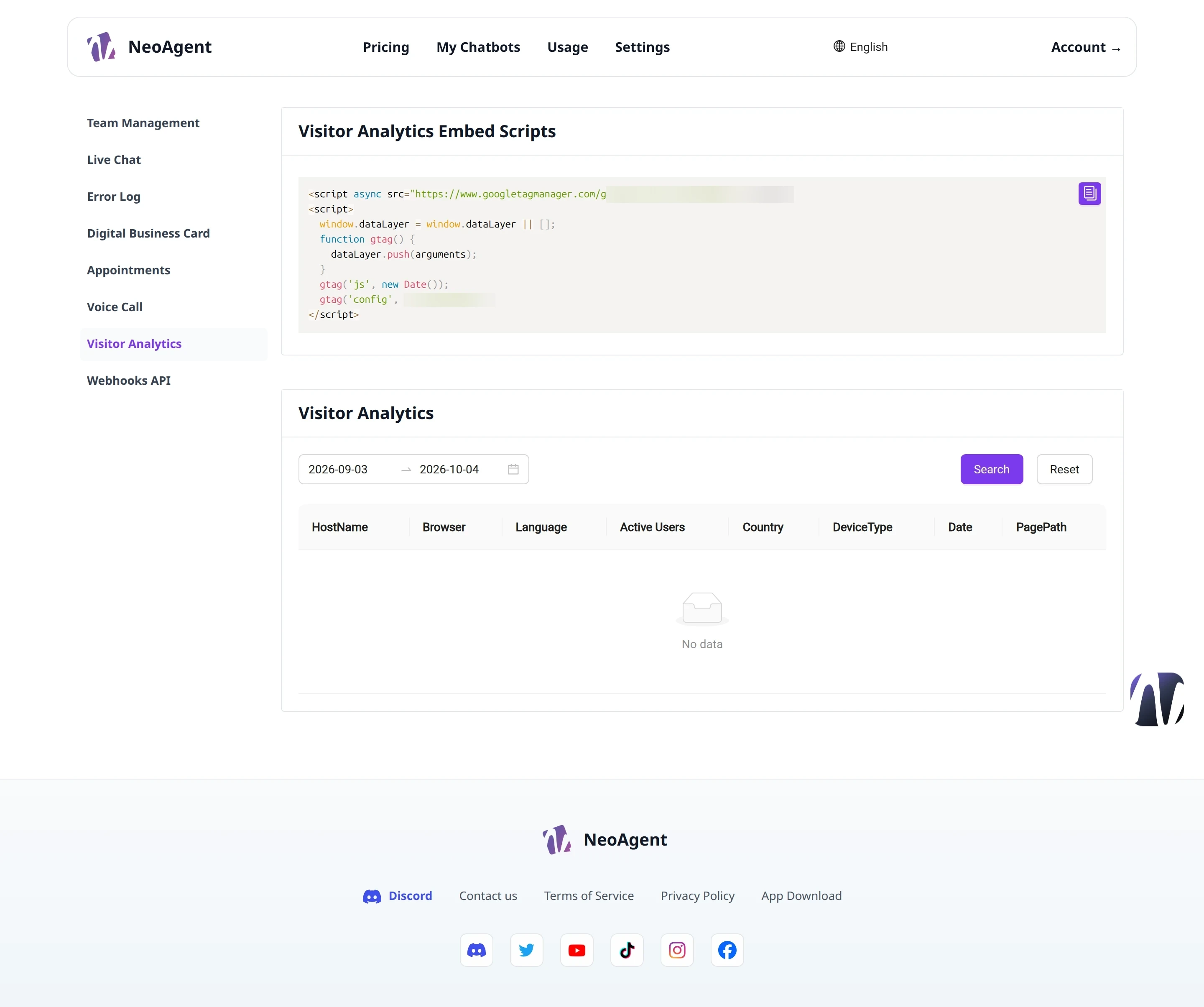
Tracking Scripts
The Visitor Analytics Embed Scripts section shows the embedding scripts to insert into your website to start collecting visitor data.
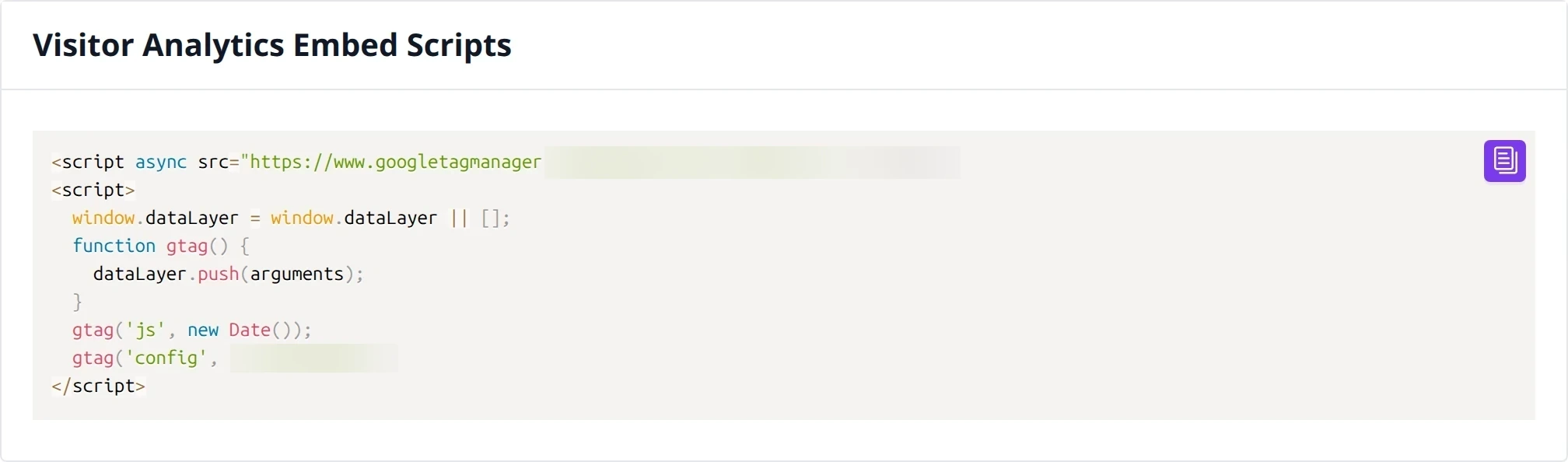
Copy the provided code and insert it into the pages of the site where you want to track visits.
The scripts must be inserted into the code of the pages you wish to monitor. Data will start appearing in the dashboard after correct installation.
Analytics Dashboard
The Visitor Analytics section shows the collected traffic data, synchronized with Google Analytics.
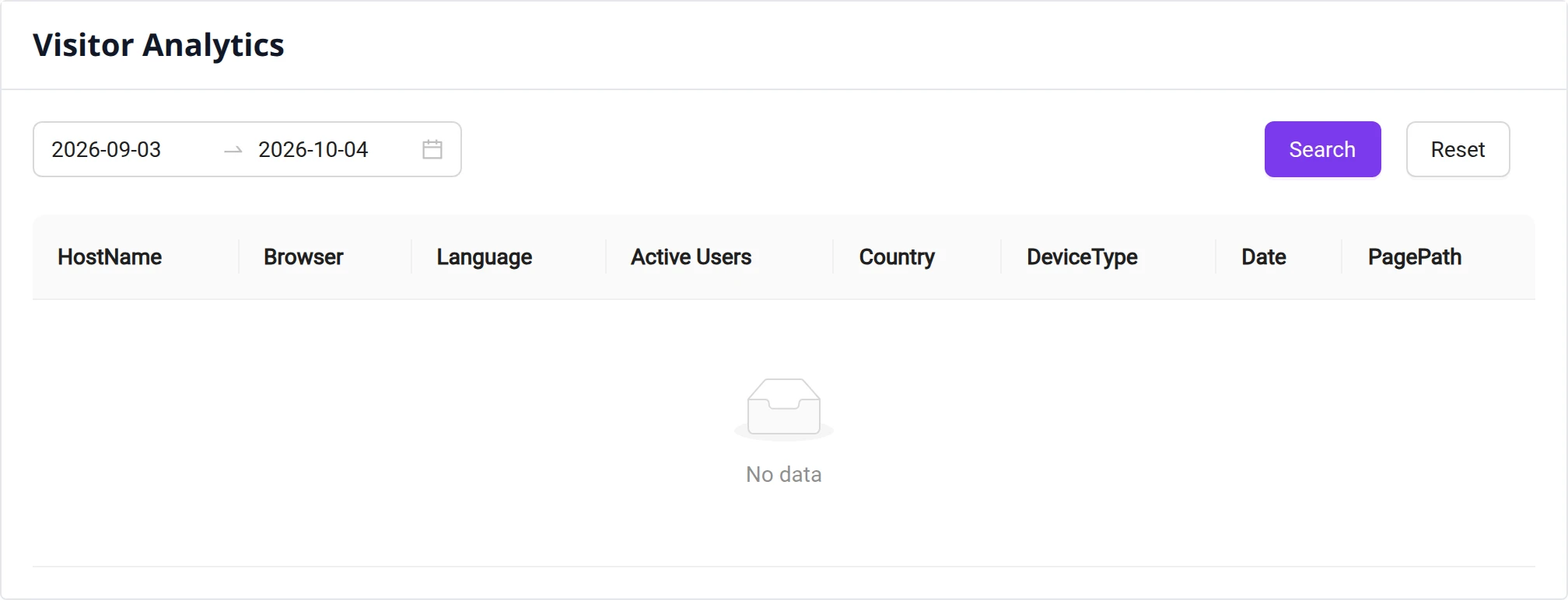
Period Filter
You can narrow down the analysis to a specific time range:
- Set a Start date in the initial field
- Set an End date in the final field
- Click Search to apply the filter
To reset the filters and return to the full view, click Reset.
To compare weekly or monthly trends, set periods of equal duration and compare the results shown in the dashboard.