Appointments
The Appointments section of the Workspace allows you to connect your Google Calendar to the chatbot so that users can book and manage appointments directly from the conversation.
Overview
From this page you can check the connection status with Google Calendar and authorize access to the calendar that the chatbot will use for bookings.
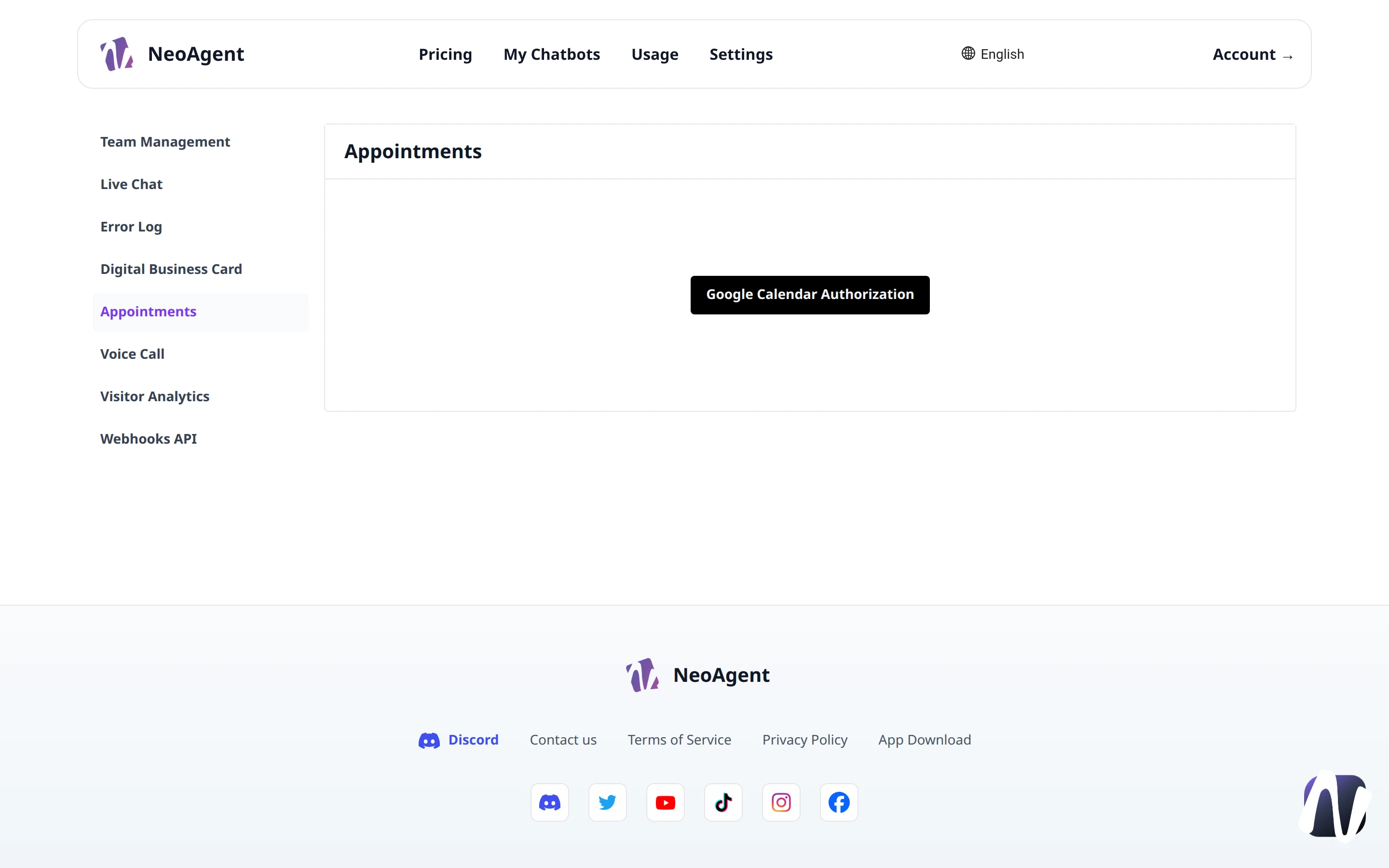
Google Calendar Authorization
To enable appointment management, you must authorize NeoAgent to access your Google Calendar.
- Navigate to the Appointments page from the Workspace menu
- Click on Google Calendar Authorization
- Complete the authorization flow with your Google account
- Once finished, the connection status will be connected
Authorization is necessary to read availability and create events on the calendar. Without it, the chatbot cannot suggest time slots nor confirm appointments.
Appointments Section
In the Appointments section, you will find the list of appointments managed by the workspace, with information related to events created through the chatbot.
Status Check
The page automatically checks the status of the connection to Google Calendar. If access expires or is revoked, you can repeat the authorization with the same Google Calendar Authorization button.
Make sure the authorized calendar is the correct one before activating bookings: the chatbot will exclusively use the availability of that calendar.