Account
The Account section collects your profile information and subscription and billing settings. From here you can view your email, manage the subscription, and if necessary, delete the account.
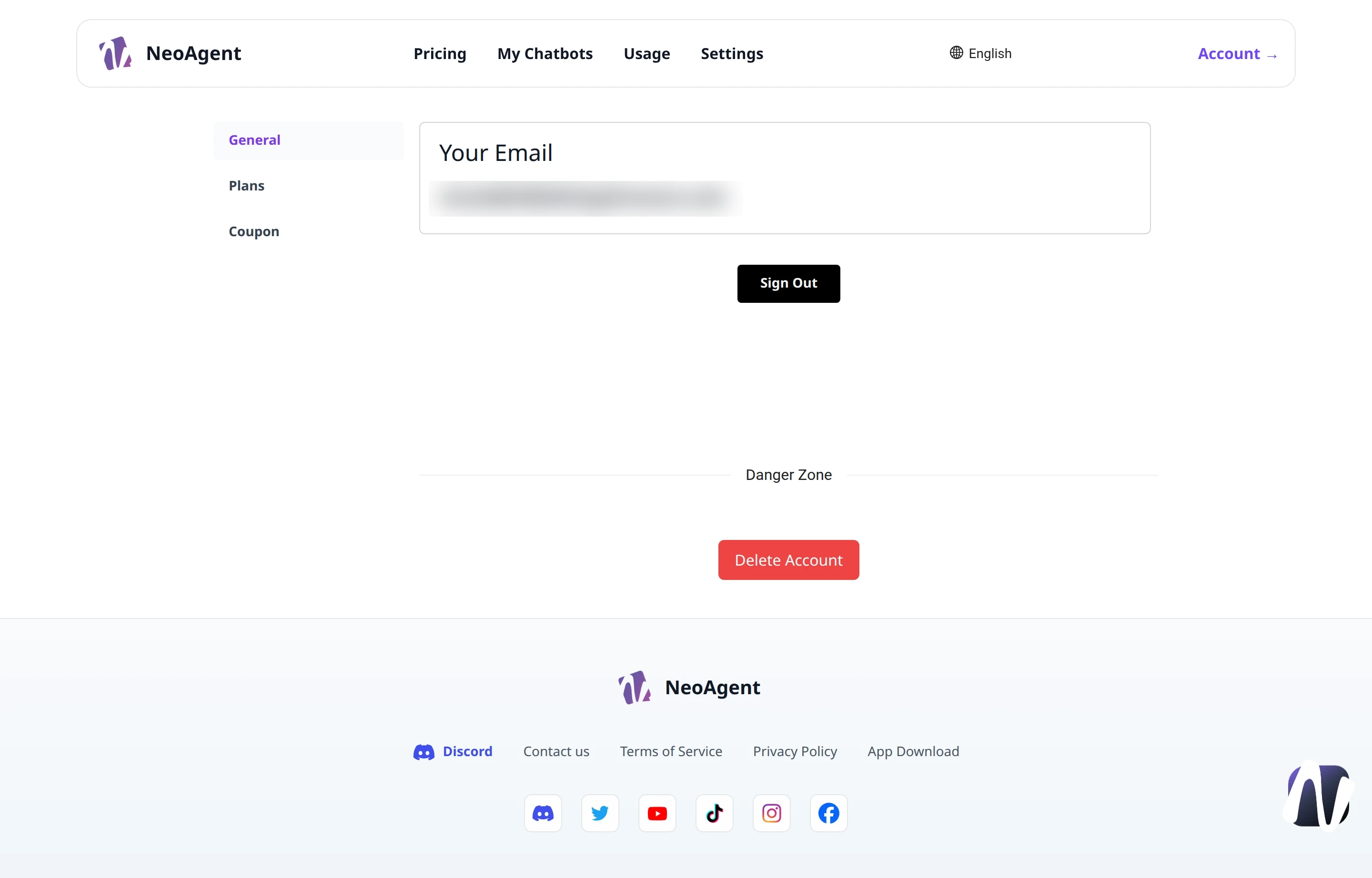
Account Sections
The left sidebar allows you to navigate between the areas of your account:
- General — the main profile information
- Plans — available plans and your subscription
- Coupon — coupon code management
General
In the General tab you will find the Your Email field, which shows the email address associated with your account, for example example@gmail.com.
Sign Out
The Sign Out button allows you to securely log out of the account. You will need to log in again to return to the platform.
If you use NeoAgent on a shared device, always perform Sign Out at the end of the session.
Danger Zone
At the bottom of the General tab is the Danger Zone area, dedicated to irreversible operations.
Delete Account
The red Delete Account button permanently deletes your account and associated data.
Deleting the account is irreversible. Before proceeding, make sure you have saved everything you need: chatbot, configurations, and history cannot be recovered.