Live Chat in the Workspace
From here you can enable and configure Live Chat at the Workspace level, deciding which chatbots are available for real-time support.
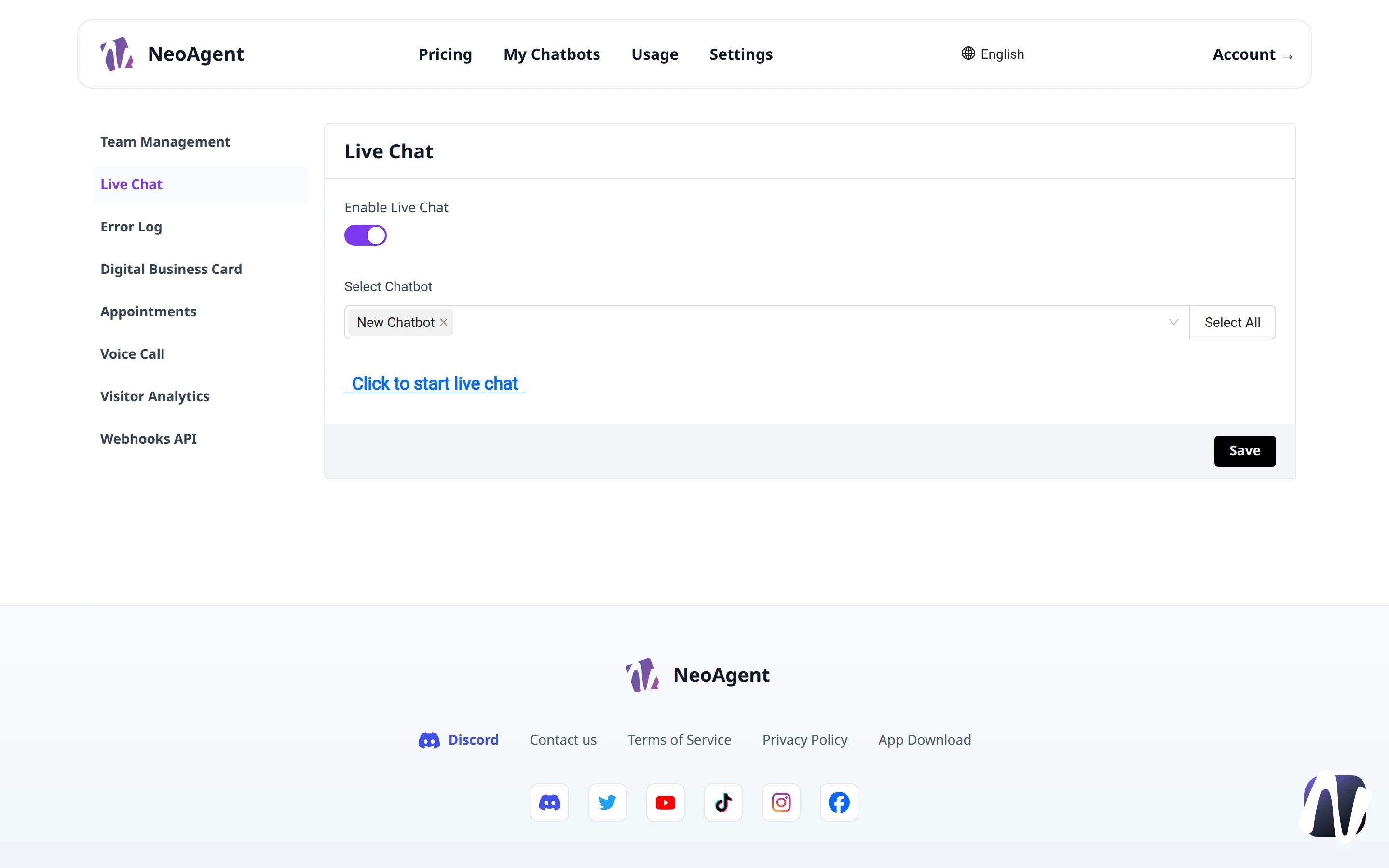
Enable Live Chat
The first option, Enable Live Chat, activates or deactivates the function for the entire Workspace via a toggle.
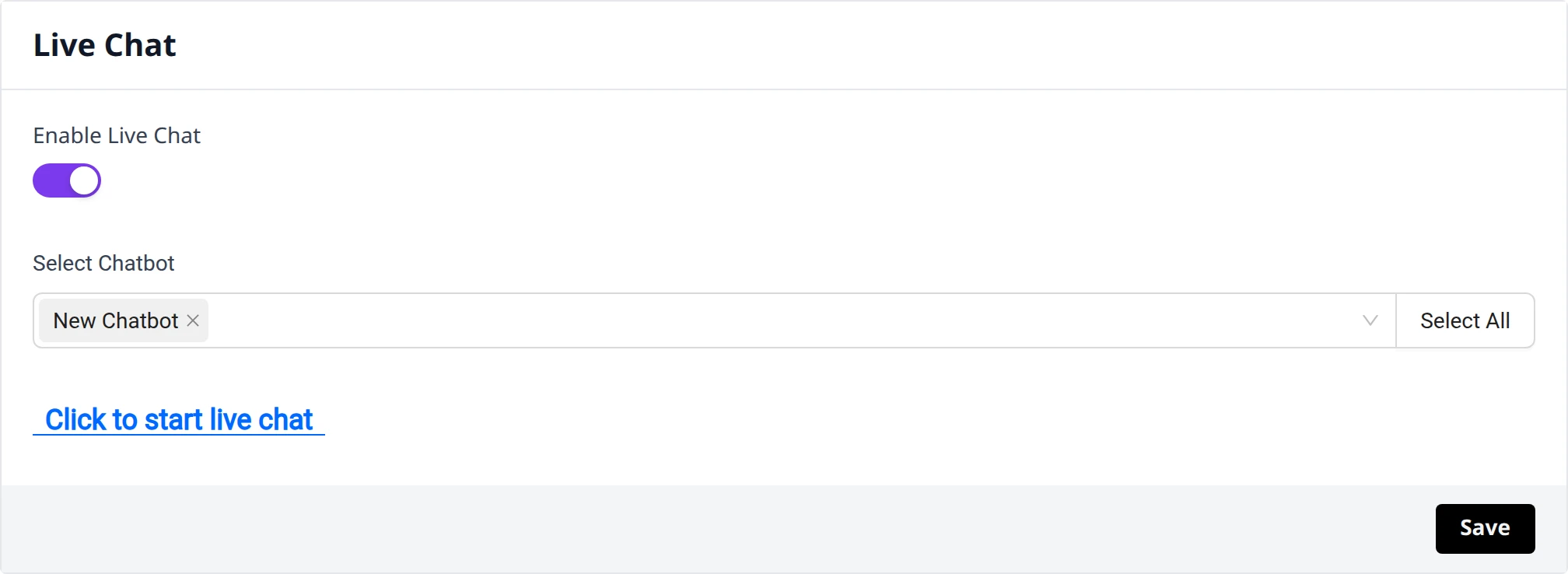
Chatbot Selection
In the Select Chatbot field, choose which chatbots to enable for Live Chat. You can:
- Select one or more chatbots from the dropdown menu
- Use the search to quickly find a specific chatbot
- Press Select All to select them all
- Remove a selection using the x next to the name
Note
The selected chatbots appear as labels within the field, so you can check the configuration at a glance.
Start Live Chat
The Click to start live chat link opens the Live Chat and allows you to test it immediately with the configured chatbots.
Saving
After making changes, press Save to apply the configuration.
Attention
Changes are not saved automatically: remember to press Save before leaving the page.