Workspace Management
From this section you manage the team of your Workspace and the AI provider keys associated with each user.
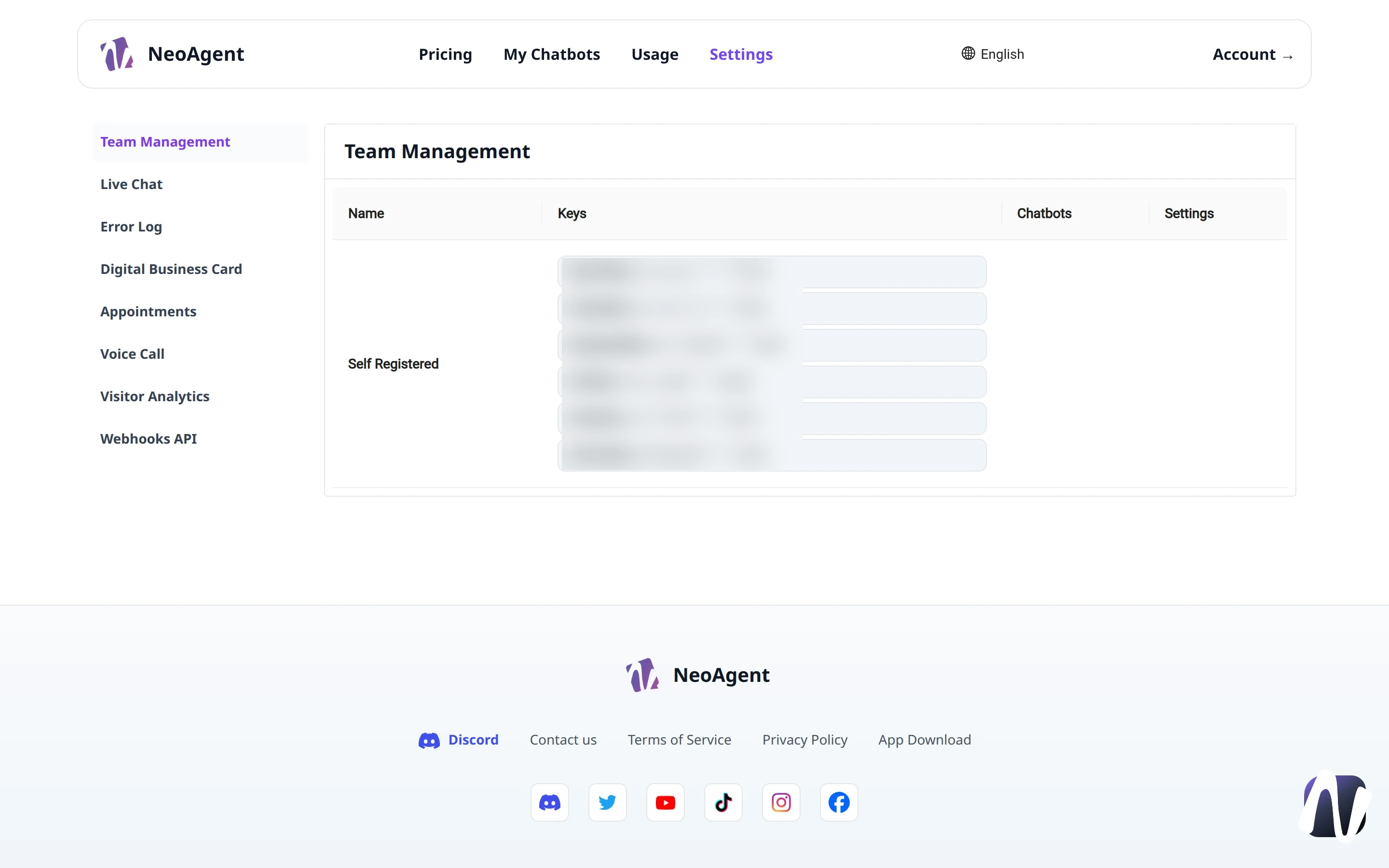
Team Management
The Team Management tab collects all Workspace members in a single table with the essential data for their use of the platform.
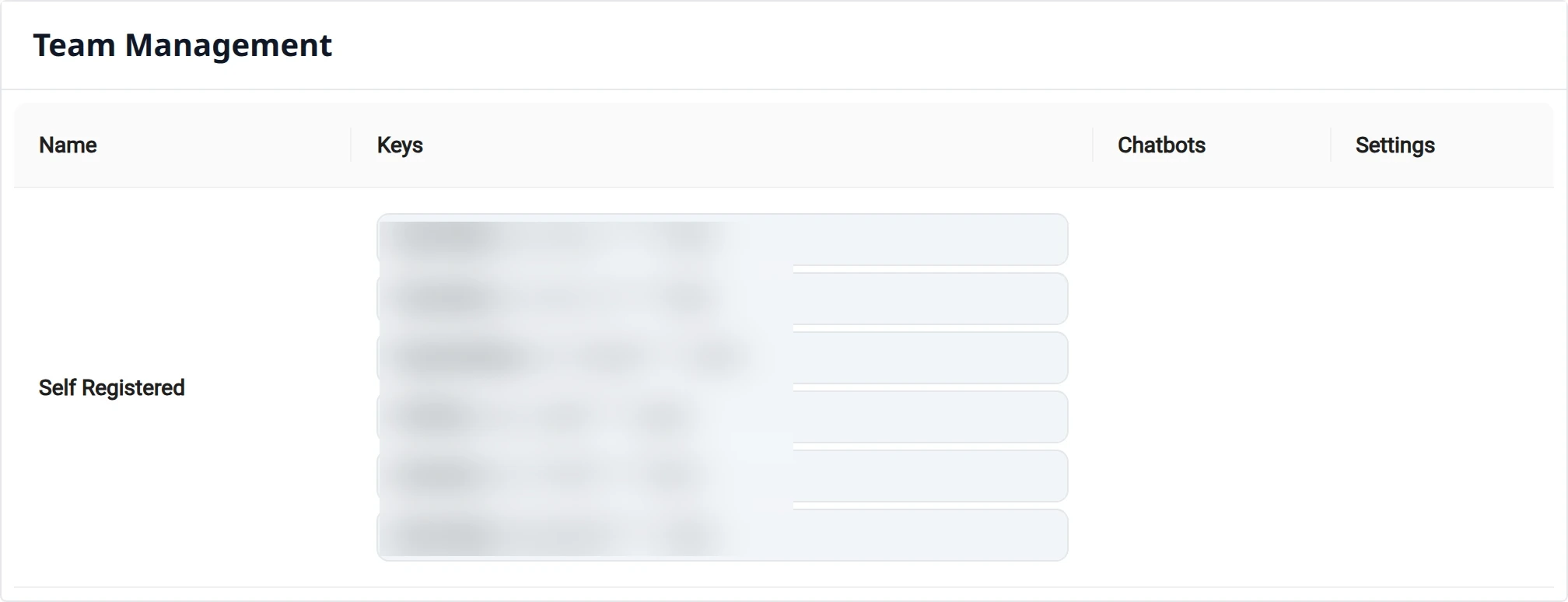
Table Columns
| Column | Description |
|---|---|
| Name | Name of the member or registered origin (e.g., Self Registered) |
| Keys | API keys of the configured AI providers |
| Chatbots | Chatbots associated with the member |
| Settings | Member configuration actions |
Provider Keys
The Keys column lists the keys configured for the different providers, always shown in a masked format (e.g., OpenAIKey, ClaudeKey, DeepSeekKey, GrokKey, QwenKey, GeminiKey).
Attention
API keys are partially obscured for security reasons. Do not share them and do not put them in public places.
Suggestion
If a chatbot does not respond as expected, check that the correct provider key is present and valid for the member in question.