Phone Calls
The Phone Calls section of the Workspace collects the voice call statistics and the contact directory used by your voice agent.
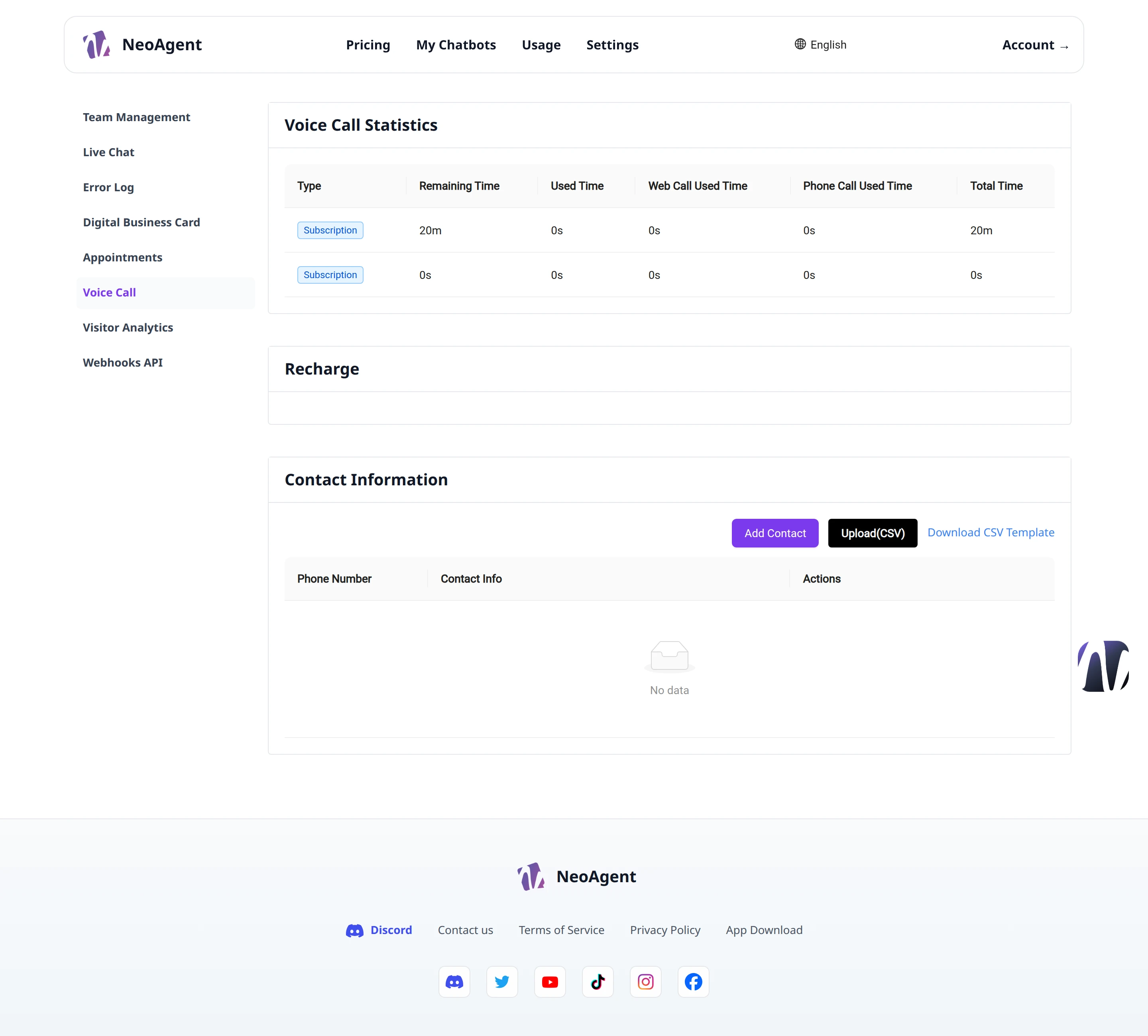
Voice Call Statistics
The Voice Call Statistics section shows the aggregated data of calls handled by your voice agent.
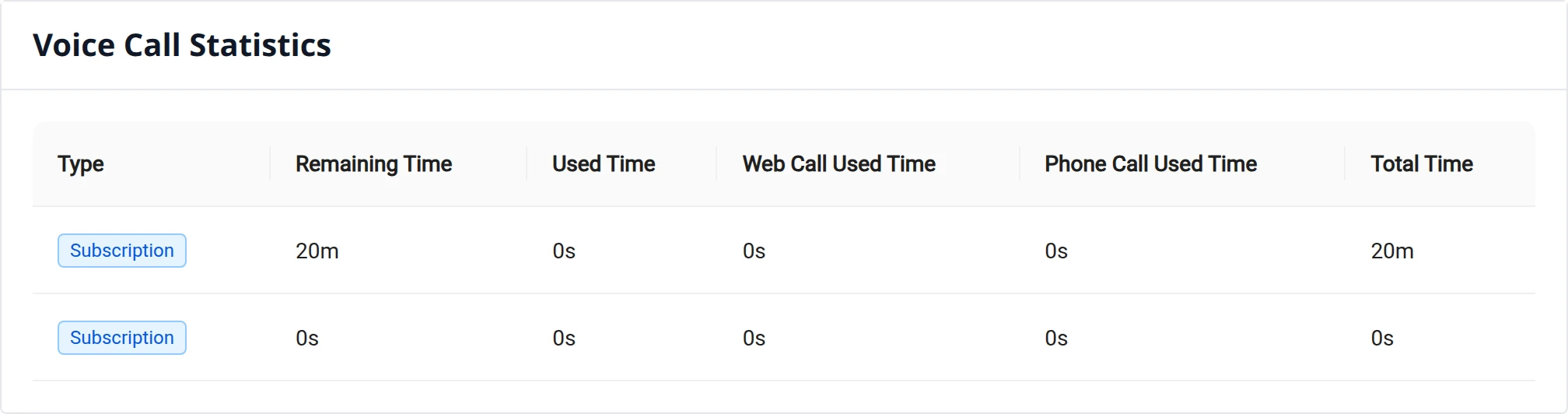
Here you can consult the call trends over time to understand the volume and effectiveness of the voice service.
Call Reports
The statistics are based on analytical reports of voice calls and also include information on the price list applied to calls, so you always have a clear view of the service cost.
The cost of calls depends on the price list associated with your account. Check the statistics periodically to monitor spending.
Contact Directory
The Contact Information section contains the list of phone contacts available for the workspace.
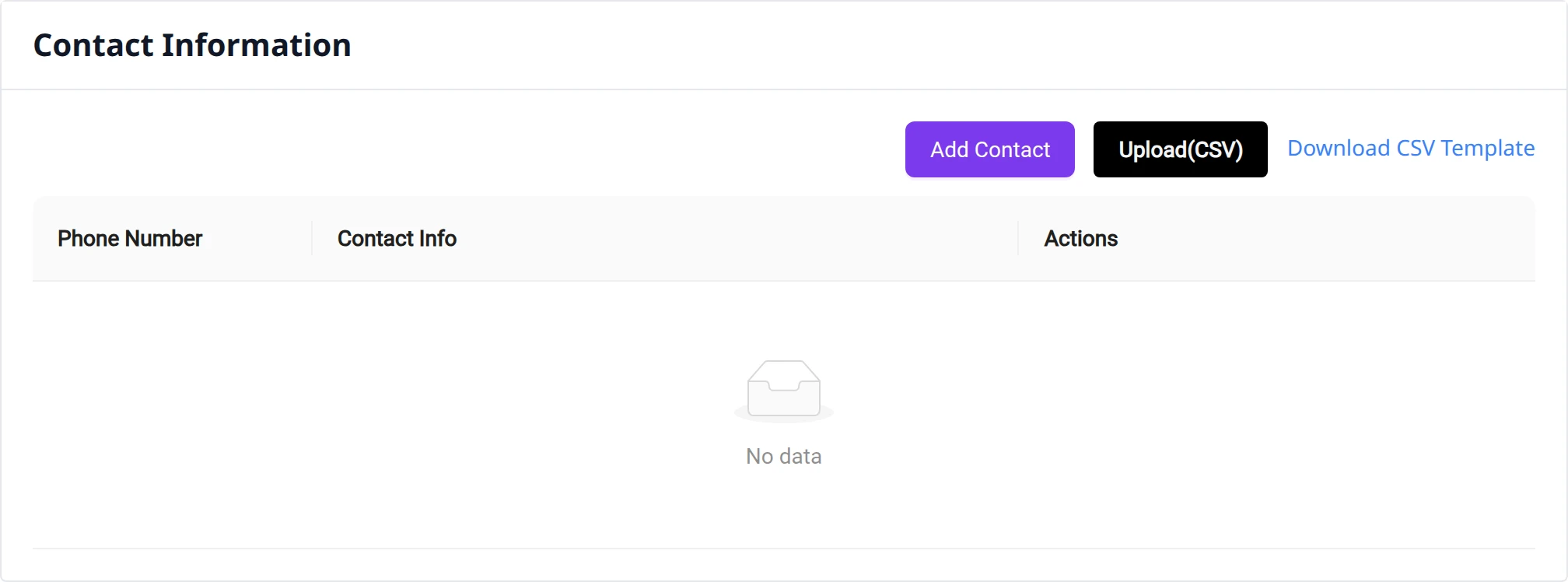
Add a contact
To add a single contact:
- Click on Add Contact
- Fill in the required data
- Save the contact
Import contacts from CSV
To add multiple contacts in a single operation, you can import a CSV file.
- Prepare the CSV file with contacts in the expected format
- Click on Upload (CSV)
- Select the file to upload
Always check the CSV file format before importing: non-compliant rows may not be uploaded correctly.