Notifications
From here you can configure the automatic email notifications for your AI Agent. You can receive a daily summary of the collected leads and conversations, so you always stay updated without having to manually check the dashboard.
Find the section in Settings → Notifications.
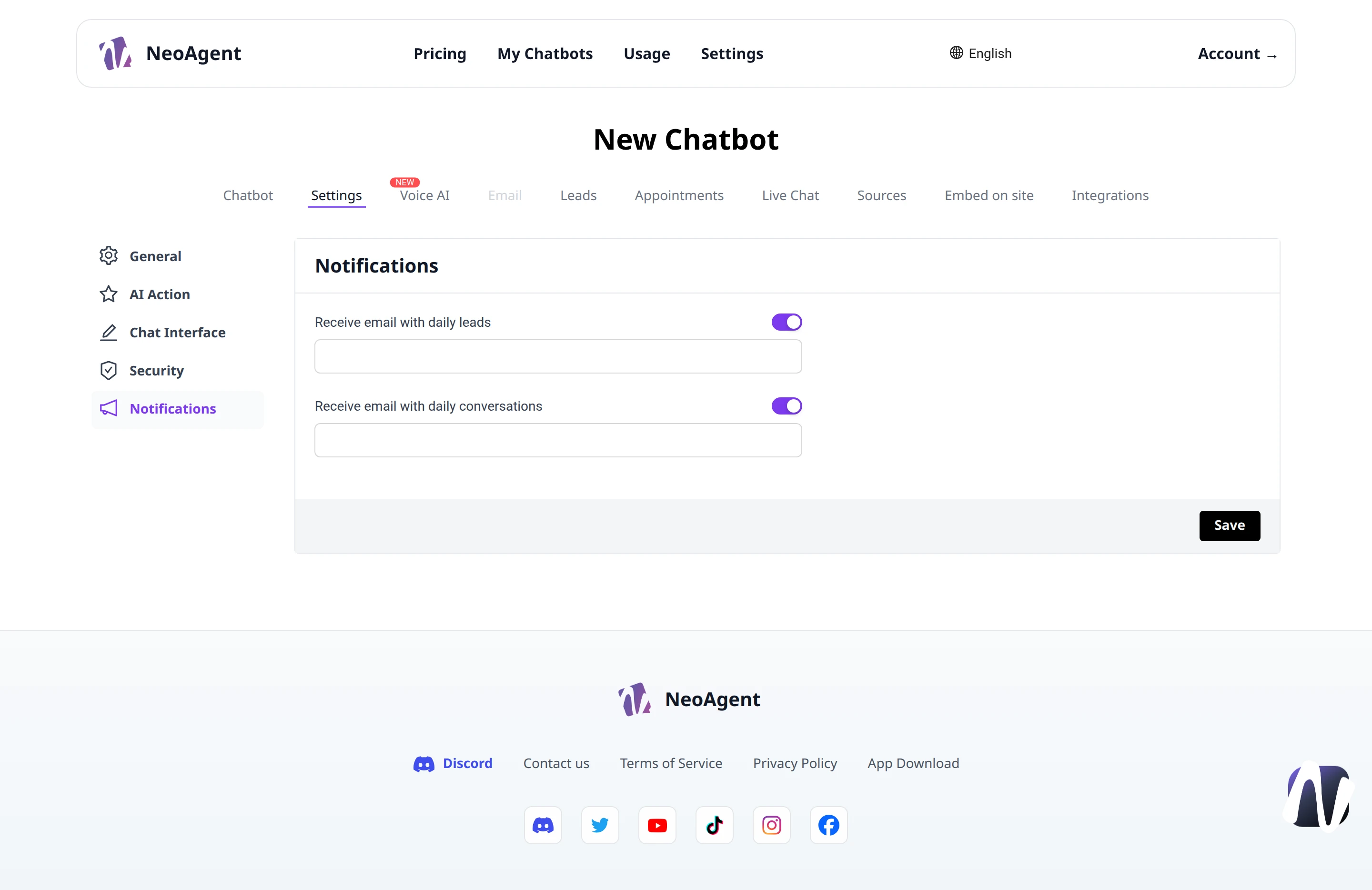
Available Notifications
The Notifications section contains two independent notifications, each with its own activation switch and corresponding email field.
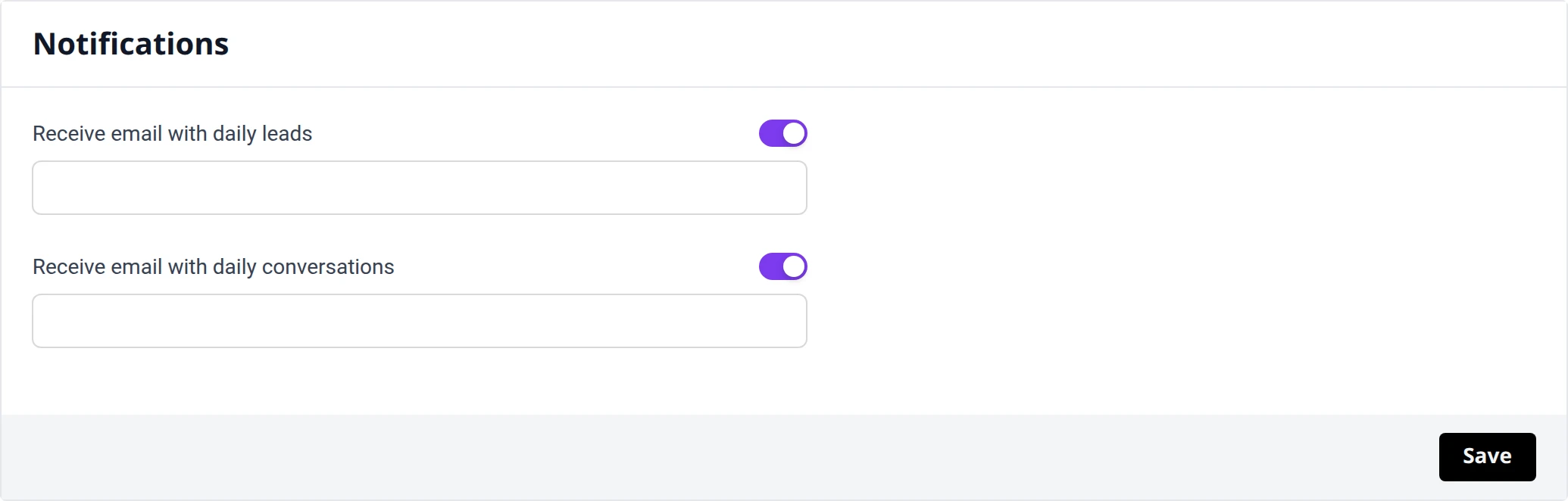
Receive emails with daily leads
Activate this option to receive an email every day with the report of leads collected by the chatbot.
- Switch: enable or disable sending
- Email field: enter the address to send the summary to
Receive emails with daily conversations
Activate this option to receive an email every day with the summary of conversations managed by the chatbot.
- Switch: enable or disable sending
- Email field: enter the address to send the summary to
Saving
After modifying switches or email addresses, click Save to apply the settings.
The two notifications are independent: you can activate one, both, or none. Use different email addresses if you want leads and conversations to go to separate teams.
Always check that the entered email address is correct: if it is incorrect, the daily summary will not be delivered.