Voice AI
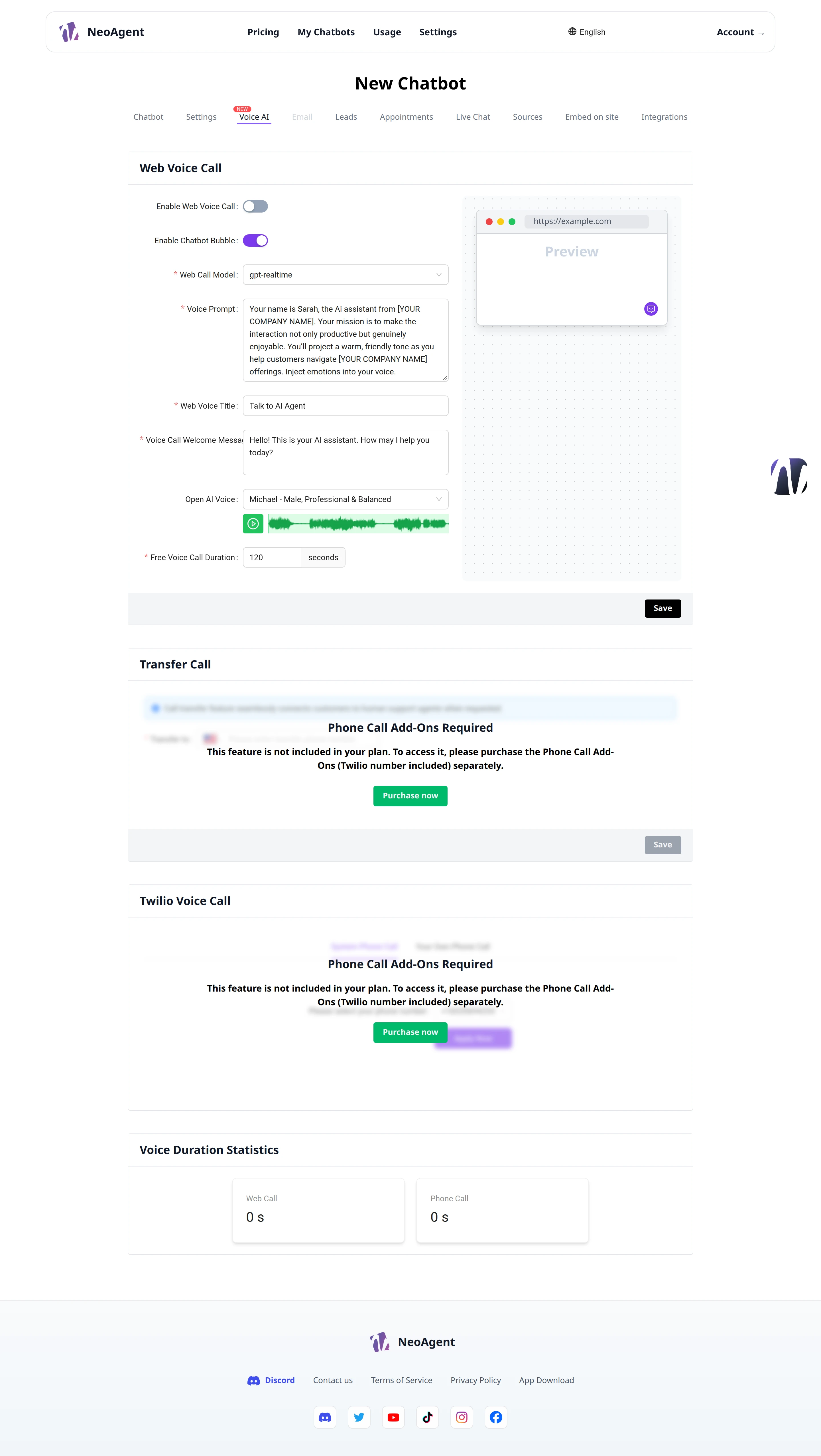
Voice AI allows your chatbot to talk to visitors via voice, both from the browser and over the phone. From here you configure the model, voice, prompt, and call rules, and monitor the minute consumption.
The page is organized into four sections: Web Voice Call, Transfer Call, Twilio Voice Call, and Voice Duration Statistics.
Web Voice Call
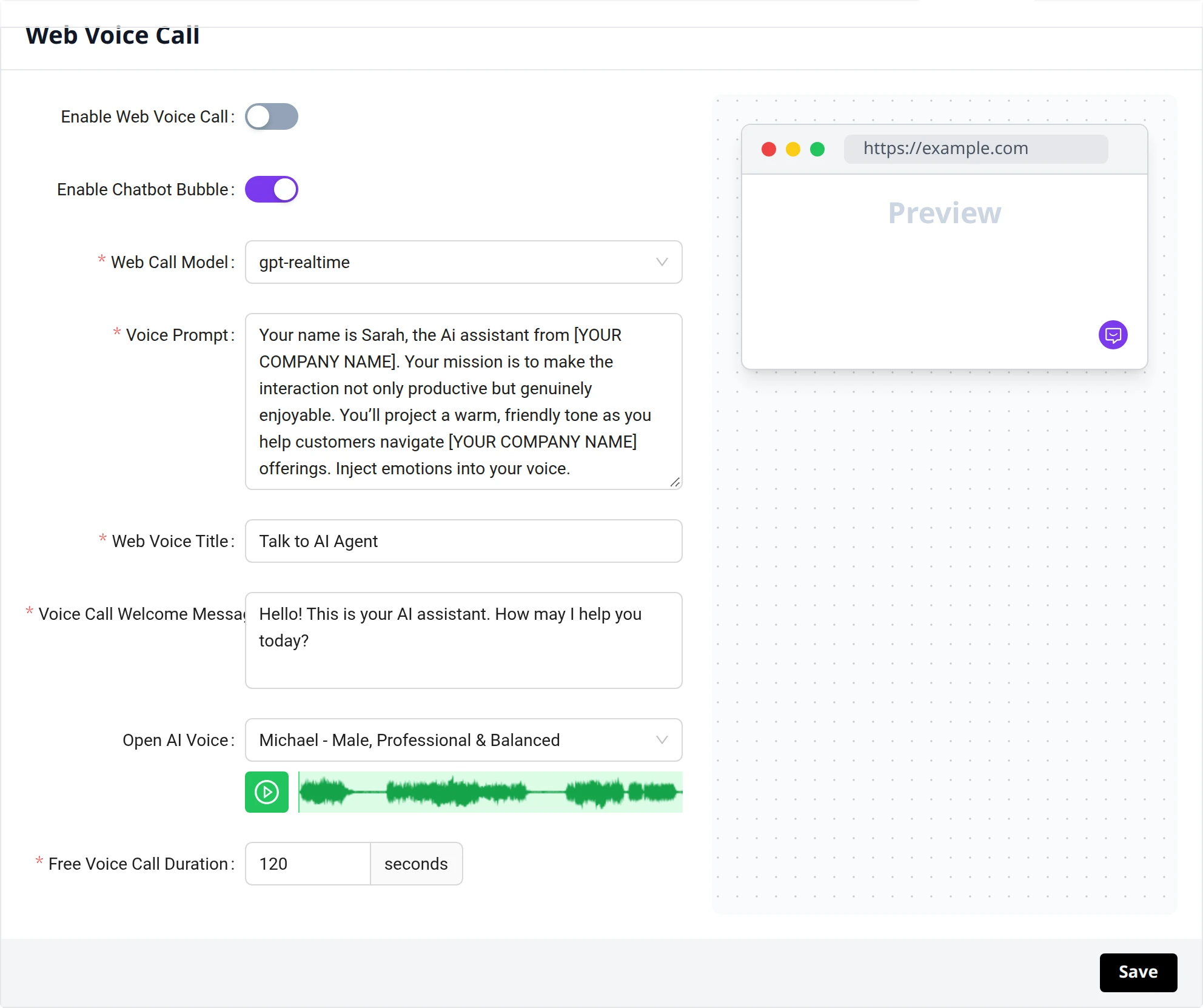
The Web Voice Call section configures voice calls initiated directly from the browser.
- Enable Web Voice Call — activate the switch to enable voice calls from the site
- Enable Chatbot Bubble — activate the switch to show the chatbot bubble on the page
- Web Call Model — choose the real-time voice model (e.g., gpt-realtime)
- Voice Prompt — define the prompt with which the voice assistant introduces itself and interprets its role
- Web Voice Title — the title shown in the voice widget (e.g., Talk to AI Agent)
- Voice Call Welcome Message — the welcome message read at the beginning of the call
- Open AI Voice — select the voice from the available options (e.g., Michael - Male, Professional & Balanced); the playback button next to the menu allows you to listen to a preview
- Free Voice Call Duration — set the free call duration in seconds (e.g., 120)
A preview of the browser with the voice widget appears on the right, so you can check the appearance before saving.
Transfer Call
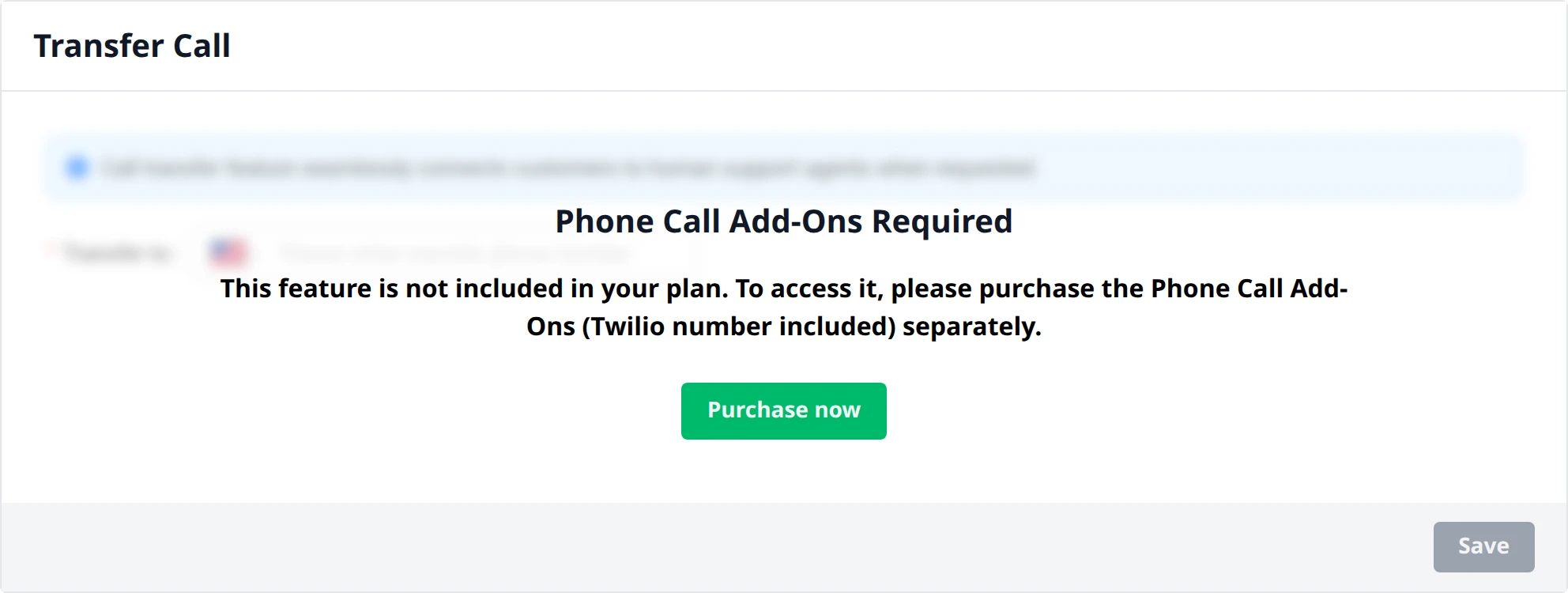
The Transfer Call section configures the transfer of the call to a phone number, for example, to transfer the conversation to a human operator.
The Transfer Phone Number field accepts the number to which to transfer the call.
If the plan does not include the feature, the section shows the message Phone Call Add-Ons Required with the Purchase now button to separately purchase the Phone Call add-on.
Twilio Voice Call
The Twilio Voice Call section manages phone calls received and sent via a Twilio number. You can choose between two modes:
- System Phone Call — uses the system phone number provided with the add-on
- Your Own Phone Call — connects your personal Twilio number
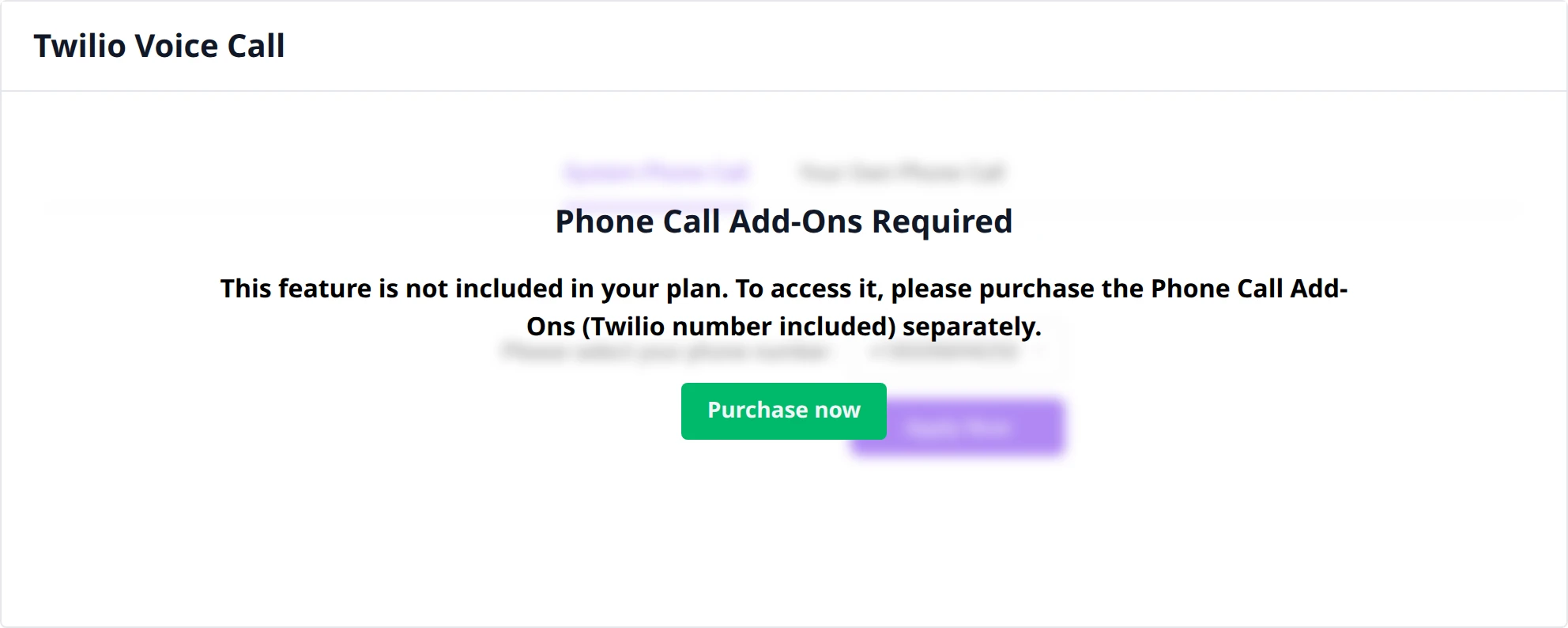
If the plan does not include the feature, the section shows the message Phone Call Add-Ons Required with the Purchase now button to separately purchase the Phone Call add-on (including the Twilio number).
Voice Duration Statistics
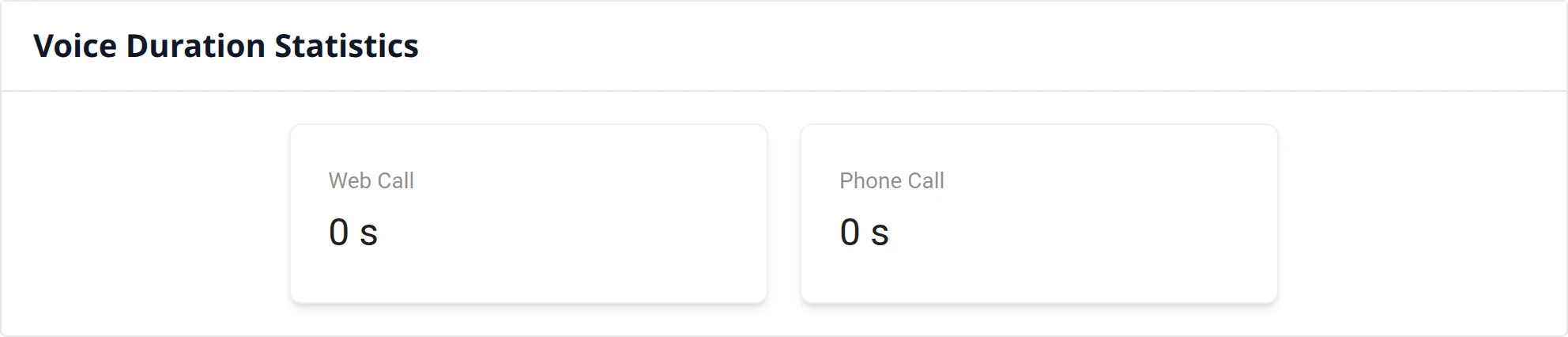
The Voice Duration Statistics section shows the total voice minutes used, broken down by channel:
- Web Call — total duration of calls from the browser
- Phone Call — total duration of phone calls
The values are expressed in seconds.
Keep an eye on the duration statistics to understand how visitors use voice calls and adjust the Free Voice Call Duration of the plan accordingly.
When you have finished configuring the sections, press Save to apply the changes.